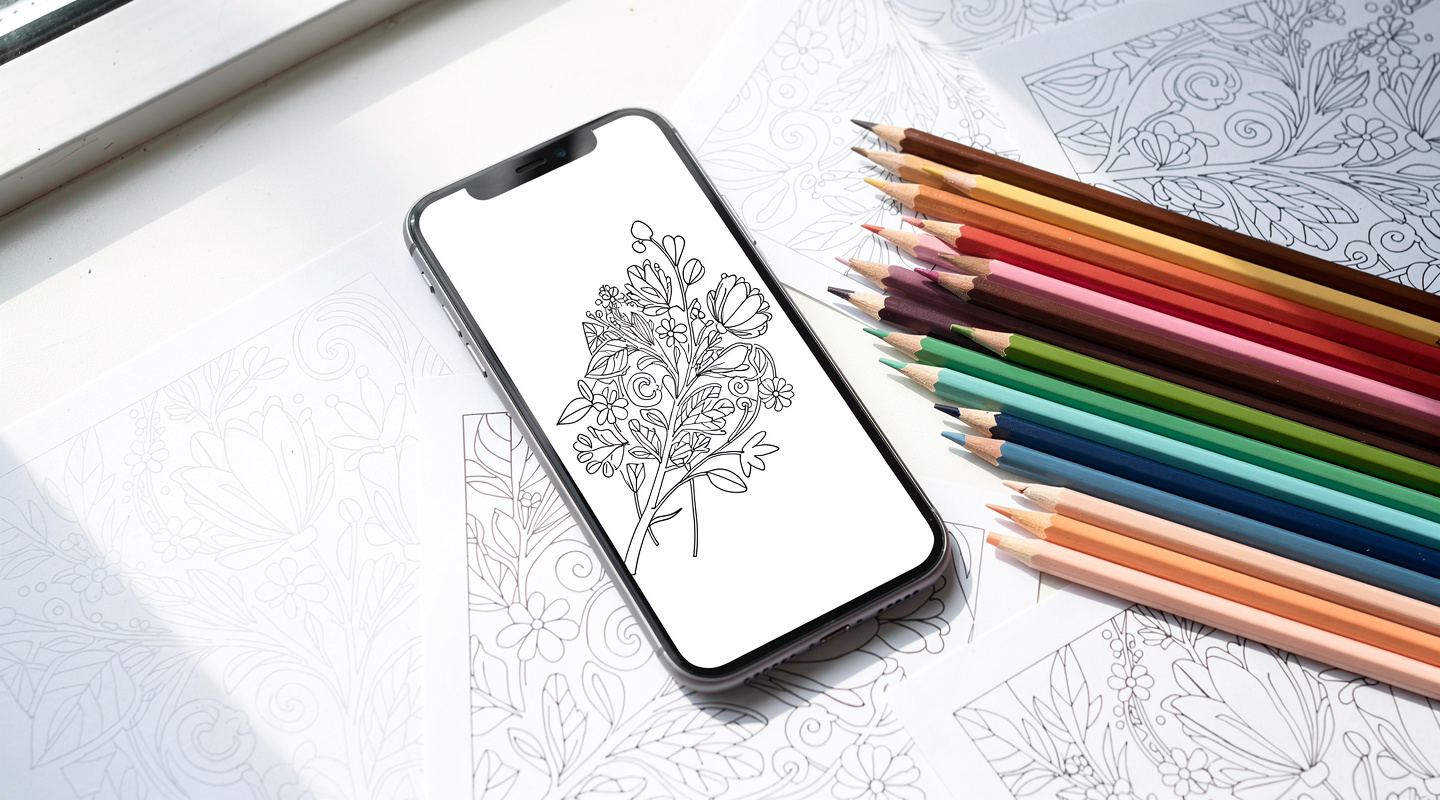
What Is AI Coloring? How Your Phone Can Generate a Unique Line Art for You to Print and Color
You’ve probably seen the phrase “AI coloring pages” floating around recently.
And you’ve probably ignored it, because it sounds like something that requires a computer science degree or at least a very patient YouTube tutorial. It doesn’t. Here’s what it actually is: you type a theme into your phone. The AI draws a line art based on what you typed. You print it. You color it.
That’s it. That’s the whole thing.
This article walks you through what AI coloring is, why it’s genuinely different from regular coloring books, and how to start today without any special skills or preparation.
Yuki

Shio
What Is AI Coloring, Exactly? — And How It’s Different from Regular Coloring
Let me be honest with you. “AI coloring” is one of those terms that sounds more technical than it is.
Traditional coloring books give you someone else’s drawings to color. You pick from whatever a publisher decided to print that year. The options are fine, but they’re not yours. If you want a cozy autumn garden with a teapot and maple leaves, you either find it in a book or you don’t.
AI coloring flips that. Instead of picking from a pre-made catalog, you describe what you want. Type “autumn garden with a teapot and maple leaves” into the app, and the AI generates a line art from that description. Your idea becomes your coloring page — in about 30 seconds.
You don’t need to draw. You don’t need design skills. You just need to know what you feel like coloring today. Turns out, most people already have a pretty clear picture in their head. They just never had a way to get it onto paper.
📌 Key Takeaways
- AI coloring generates a unique line art from your text description
- No drawing skills needed — just describe what you want
- The biggest difference from regular coloring books: the design comes from you
Why Does It Generate Something Unique Every Time? — The Simple Explanation
Here’s where most people get this wrong — they assume AI coloring just pulls from a database of existing drawings.
It doesn’t. The AI has learned from an enormous number of images: what cats look like, what “Japanese-style” means visually, what makes a line art feel simple versus detailed. When you type a description, it synthesizes all of that knowledge to create something new. Something that didn’t exist before you typed it.
And because there’s a slight randomness built into how it works, the same phrase typed twice will produce two different drawings. Which means every time you sit down to use the app, you get a fresh result. Not exactly revolutionary, I realize — but in practice, it means you never hit the “I’ve colored everything in this book” wall.

I’ll admit I was skeptical the first time I tried it. I expected something blurry or weirdly proportioned. What came out was a clean, printable line art that I actually wanted to color. That surprised me more than I expected it to.
What Makes AI Coloring Actually Enjoyable? — Three Things Worth Knowing
1. You Stop Searching and Start Creating
How much time do you spend looking for the “right” coloring page online? Twenty minutes searching, six tabs open, nothing quite right. With AI coloring, that search ends. You describe what you want and it appears. The mental energy that used to go into finding a design now goes into coloring it.
2. There’s a Real “What Will I Get?” Feeling
Because each generation is slightly different, there’s a small moment of anticipation every time you hit the generate button. It’s a bit like opening a present — you set the parameters, but you don’t know exactly what you’ll find. That feeling keeps it interesting over time, in a way that working through a fixed coloring book doesn’t quite replicate.
3. Coloring Something You Designed Feels Different
When you sit down to color a page you chose from a book, it’s pleasant. When you sit down to color a page you requested — a page that exists because of what you typed — there’s something extra there. A kind of ownership. You tend to be more careful with it, more present. Which, for the record, makes the whole experience more satisfying.
📌 Key Takeaways
- AI coloring eliminates the time wasted searching for the right design
- The unpredictability of each generation keeps the experience fresh
- Coloring something you created yourself adds a layer of engagement regular books don’t
Printing and Coloring by Hand — Where Digital Meets Analog
Here’s what I think is genuinely interesting about AI coloring: it starts entirely digital, and ends entirely analog.
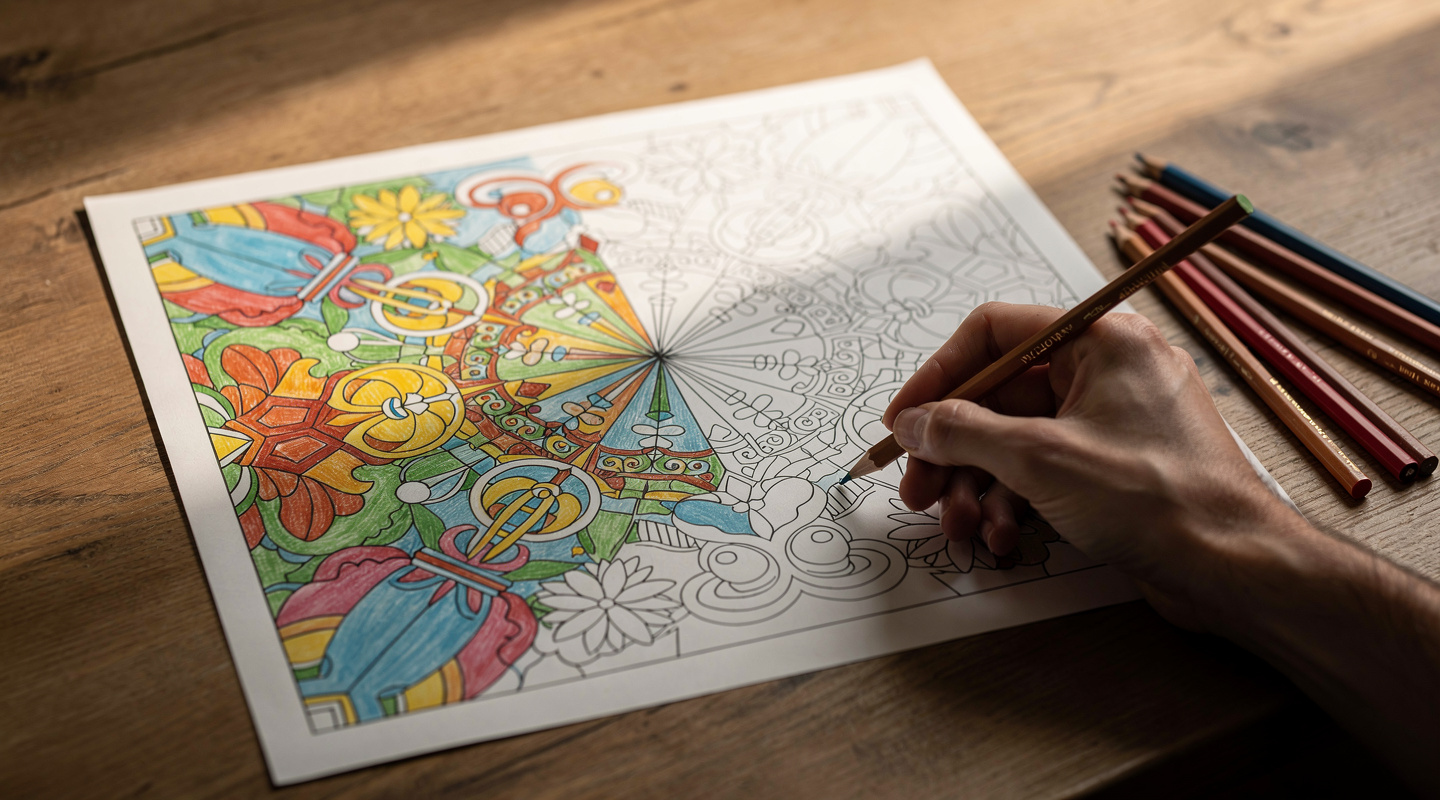
You generate on your phone. You print on paper. Then you sit down with colored pencils and use your hands. The whole sensory experience — the feel of the paper, the sound of pencil on texture, the slow build of color filling a shape — none of that goes away just because an AI drew the outlines.
Coloring works partly because it gives the brain just enough to do that it stops chewing on whatever you were stressed about, which sounds almost too simple to be useful, but there it is. The physical act of coloring remains the same whether you’re working from a book you bought or a page you generated yourself.
AI just removes the barrier of “I can’t find a design I like.” And that’s the whole thing, really.
Yuki
Shio
Everything Fits on Your Phone — No Setup, No Waiting
Look, I get it. Starting a new hobby sounds like it requires research, gear, and at least one trip to a specialty store.
AI coloring doesn’t. You need a phone and an app. That’s it. If you already own colored pencils, great. If not, any basic set will do — this isn’t a hobby that demands expensive tools. And if you don’t have a home printer, convenience store copy machines handle it just fine.
There’s no learning curve worth mentioning. If you can type a sentence on your phone, you can generate a coloring page. You can have your first page ready to print within five minutes of downloading the app.
Ready to Try AI Coloring? — How to Get Started with IROTSUNA
IROTSUNA is a free app that lets you generate AI line art, print it, color it, and share your finished work with a community of coloring enthusiasts.
The flow is simple: open the app, type a theme, pick a line art you like, and print it. When you’ve finished coloring, you can photograph your work and post it to the in-app gallery — a space where people share what they’ve made and discover each other’s color choices. Think of it less like social media and more like a small museum where everyone contributes a piece.
The idea behind IROTSUNA is that coloring doesn’t have to be a solo activity. “Your colors reach someone out there.” — that’s the premise. You color something, someone sees it, something connects.
It’s free to download on the App Store.