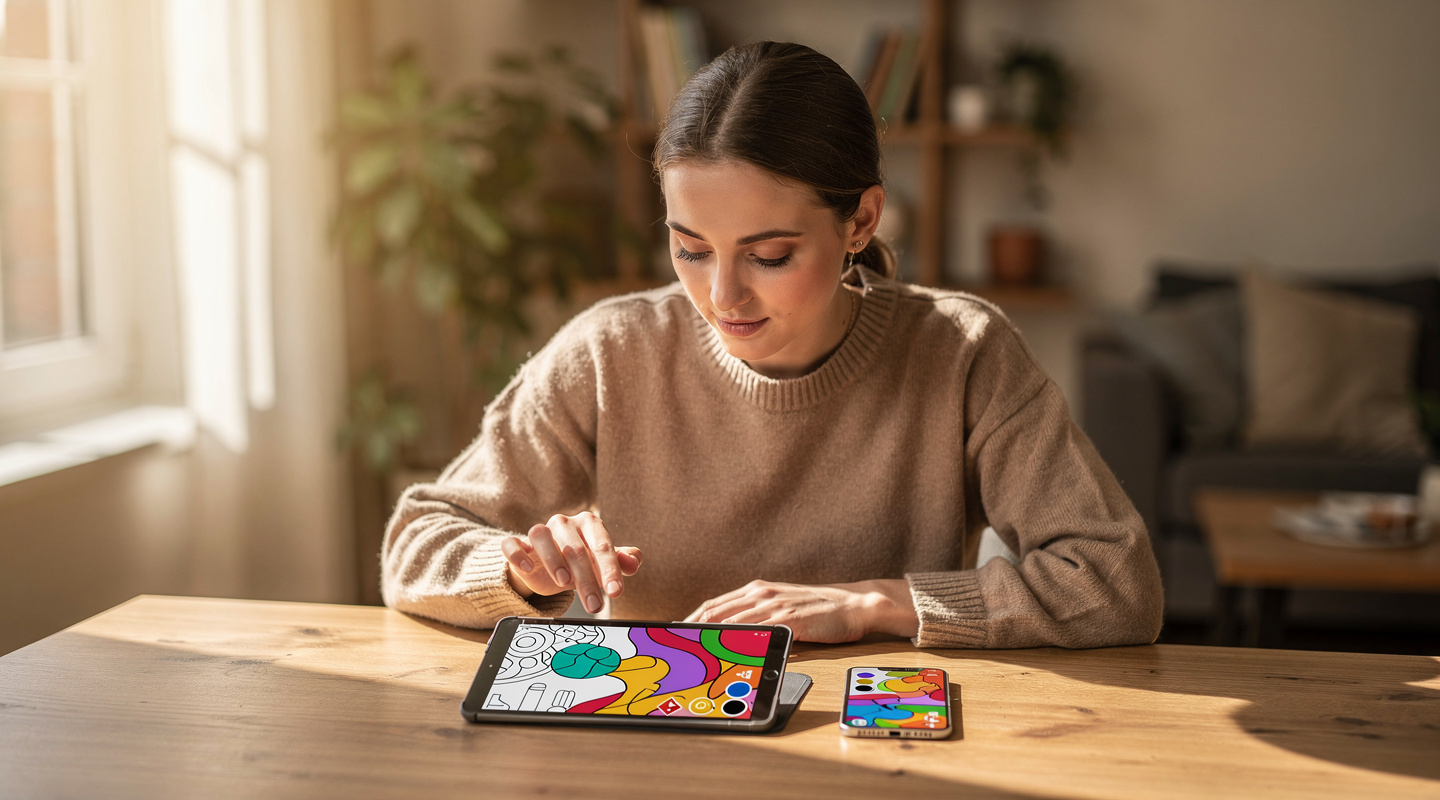
Best Coloring Apps Compared: 5 Top Picks for Adults in 2026
So Many Coloring Apps — Which One Is Actually Right for You?

Yuki

Shio
Search for “coloring” in your app store and you’ll find far more options than you might expect. Names alone don’t tell you much, and many people end up closing the search results without downloading anything.
Some apps let you color digitally on screen, others focus on printing pages for analog coloring, and some even use AI to generate custom illustrations. Each has its own philosophy, and what works best depends entirely on what you’re looking for. In this article, we compare five of the top coloring apps side by side, so you can find the one that fits you best.
Five Coloring Apps Compared at a Glance
Let’s start with a quick comparison table so you can see the key differences in one place.
| App | Price | Content Library | AI Generation | Print Feature | Social / Community | Best For |
|---|---|---|---|---|---|---|
| IROTSUNA | Free to download; AI generation requires in-app purchase | Unlimited (AI-generated) | Yes | Yes | In-app community | Creating your own line art, printing it, and sharing your work |
| Recolor | Free + subscription | 1,000+ pages | No | No (digital only) | Social share only | Casual digital coloring on your phone |
| Lake Coloring | Free + subscription | 6,000+ pages | No | No (digital only) | Community gallery | High-quality artist illustrations in various styles |
| Pigment | Free + subscription | Wide range of illustrations & brush tools | No | No (digital only) | No | Serious digital coloring with realistic brush tools |
| Nurie Book (ぬり絵ブック) | Free (with ads) + subscription | 500+ pages | No | No (digital only) | No | Simple, beginner-friendly digital coloring |
Looking at this side by side, you can see that each app has a distinct philosophy. While most focus on digital-only coloring, IROTSUNA stands apart with its combination of AI generation, printing, and community features. Let’s take a closer look at each.
IROTSUNA — AI Generation × Printing × Social Community
Yuki
Shio
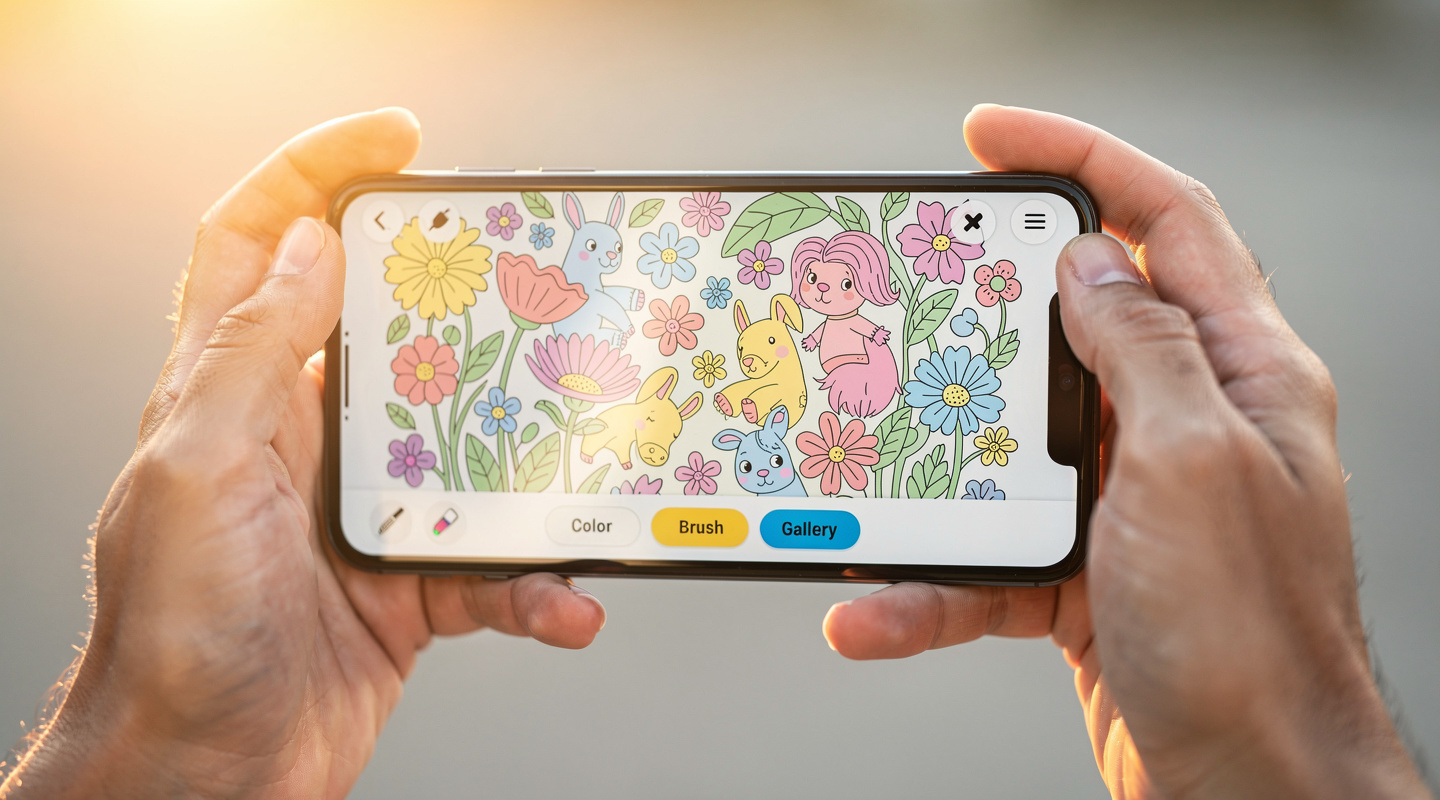
IROTSUNA’s defining feature is AI-powered line art generation. Open the app, type in a few words that describe what you’d like to color — “seaside morning with a cat,” “autumn mountain path in fall foliage” — and a coloring-ready illustration appears in seconds. No artistic skill or technical knowledge required.
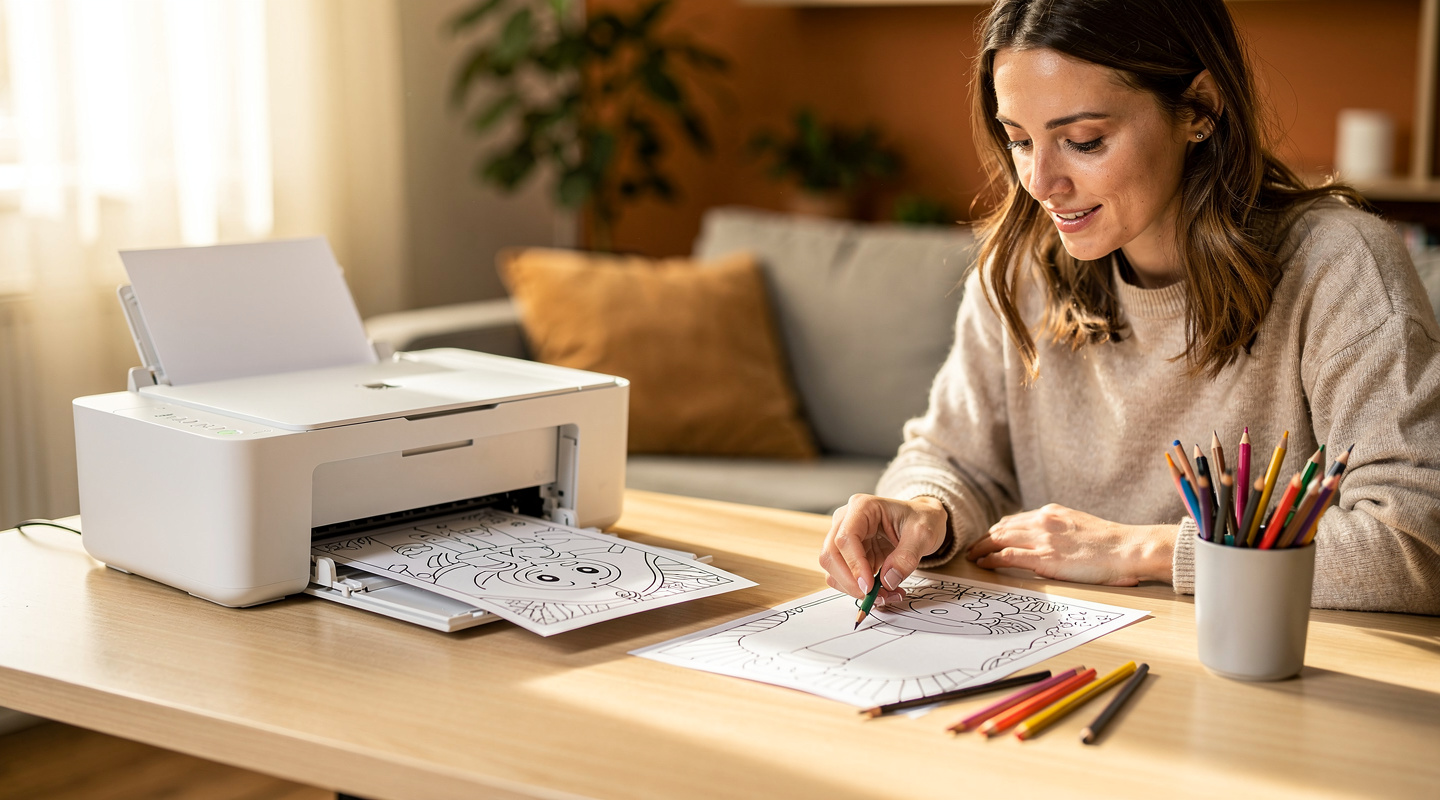
Once you find a line art you love, you can print it on paper and color it by hand with colored pencils or markers. This bridge between digital creation and analog experience is something no other coloring app offers. There’s something uniquely satisfying about holding a printed page — something that started as a few words on your phone — and bringing it to life with your own hands.
It’s a bit of a rare concept: your phone becomes the creative starting point, but the actual coloring happens on paper, at your own pace, away from screens. Imagine spending a quiet weekend afternoon coloring a page that was literally made from your own words.
When you’re done, you can share your finished work in IROTSUNA’s in-app community — a space made specifically for people who love coloring. It’s low on noise and high on warmth, making it easy to share and receive genuine reactions. IROTSUNA is free to download on the App Store. Note that AI line art generation requires an in-app purchase — but you can explore the app and its community at no cost before deciding.
Four Apps That Excel at Digital Coloring
Now let’s look at four apps that focus on the digital-coloring experience. All of them work entirely on your smartphone screen.
Recolor
Recolor (recolor.me) is one of the most widely used coloring apps worldwide. It offers over 1,000 illustrations — you pick one, then tap to fill in colors on your screen. The imagery tends to be vibrant and visually striking when completed, and it includes social sharing options. A free tier is available, though access to the full library requires a subscription. If your goal is quick, casual digital coloring during small pockets of time, it’s a popular choice.
Lake Coloring
Lake Coloring (lakecoloring.com) stands out for the quality and variety of its content. With over 6,000 pages by professional artists — spanning Scandinavian, botanical, fantasy, and more — it’s aimed at people who want beautifully crafted illustrations to color digitally. It also has a community gallery where users can share their completed work. If illustration quality is your top priority, this one is worth a look. Most content is behind a subscription plan.
Pigment
Pigment (pigmentapp.com) is built for those who want a more immersive digital coloring experience. It offers a wide range of brushes — watercolor, marker, pencil — that mimic real-world art tools with impressive realism. The tradeoff is a steeper learning curve compared to simpler apps, and the full feature set requires a subscription. Worth exploring if you want to develop your digital coloring skills.
Nurie Book (ぬり絵ブック塗り絵)
This Japan-based app is designed with simplicity in mind. The interface is clean and easy to navigate, and the free tier (with ads) makes it accessible without commitment. The content library is smaller than the others, but for anyone new to coloring apps who prefers a straightforward start, it’s a practical option. Search “ぬり絵ブック” on the App Store to find it.
Different Directions — The Right Answer Depends on What You Want
After comparing all five, one thing becomes clear: this isn’t a ranking of better or worse. Each app has a different focus, and the best one for you depends entirely on what kind of experience you’re after.
- Want quick, casual digital coloring on your phone? → Recolor or Nurie Book
- Want a huge library of artist-crafted illustrations? → Lake Coloring
- Want to explore serious digital art through coloring? → Pigment
- Want to create your own custom line art with AI, print it, and color by hand? → IROTSUNA
For example, if your ideal scenario is “think of something I love, turn it into a coloring page on my phone, then print it out and spend a peaceful afternoon filling it in with colored pencils” — IROTSUNA is the clear fit. On the other hand, if you want to color in short bursts throughout the day entirely on your device, a digital-first app will suit you better.
The good news is that most of these apps offer a free tier, so there’s no reason not to try a couple and see which one actually feels right in your hands.
Find Your Perfect App — and Start Coloring

Yuki
Shio
When choosing a coloring app, the most useful question to ask yourself is: “What kind of experience do I actually want?” Do you want to stay digital, or do you want the satisfaction of coloring something real on paper? Do you want to color alone, or share your work with others? Answering those two questions alone will make the choice much clearer.
IROTSUNA offers something a little different — the combination of AI-generated line art, printing, and a coloring community. If you want to color something that started with your own words, printed on paper, finished with your own hands, and shared with people who understand the joy of it — that’s what IROTSUNA is built for.
Download IROTSUNA free on the App Store. Type in a few words, generate your first page, and see where it takes you. Your colors reach someone out there.